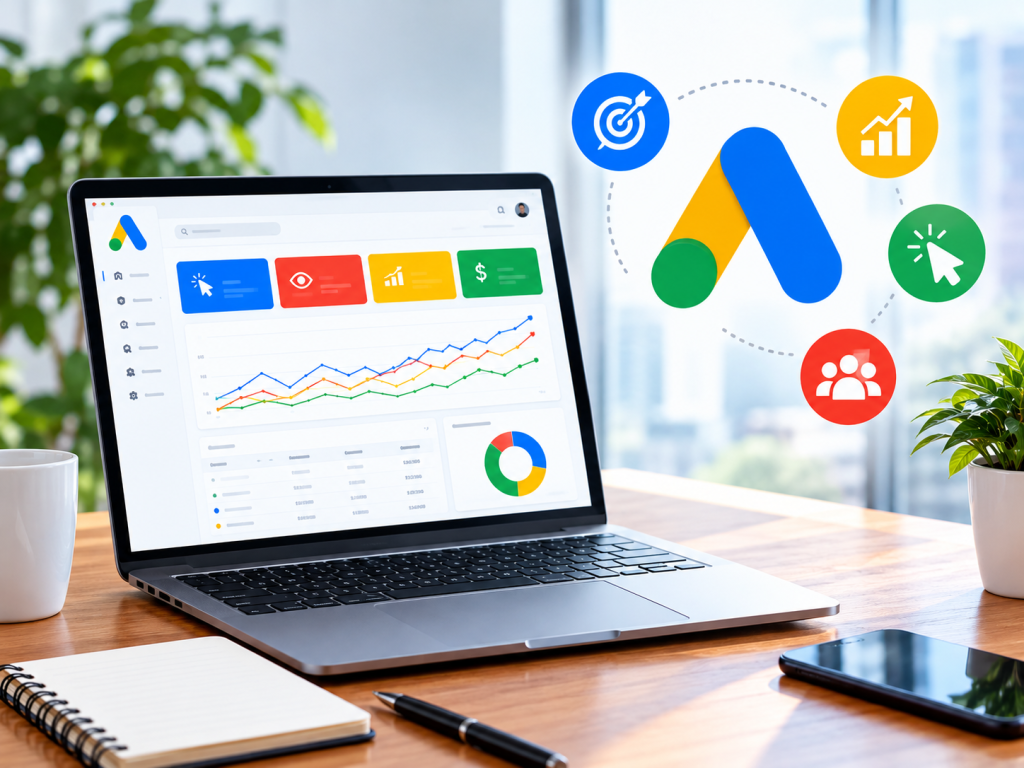
For online stores, Google is often the most profitable ad channel available. Shoppers search for exactly what they want, compare prices in Google Shopping, and click straight through to buy. Performance Max then takes your products further, across YouTube, Gmail, Discover and the Display Network, from a single campaign.
The challenge for many ecommerce brands isn’t the strategy. It’s keeping the account itself running smoothly while they scale: card payments that fail on busy days, billing verification that drags on, and support that’s slow to respond. A Google Ads agency account removes much of that friction. In this guide, we walk through how to launch Shopping and Performance Max campaigns with an agency account, step by step.
Why ecommerce brands use Google Ads agency accounts
If you’re new to the idea, our comparison of Google Ads agency accounts vs standard accounts covers the basics. For online stores specifically, four benefits stand out:
- Stable funding during peak sales. Campaigns run from a prepaid balance, so a declined card doesn’t switch off your ads in the middle of a sale.
- Faster setup. Your account is created under an agency’s manager account, typically within [SETUP TIME], instead of waiting on your own verification.
- Cleaner multi-store management. If you run several stores or brands, each can have its own account with separate budgets and reporting.
- Support that understands ecommerce. When products are disapproved or performance shifts, you have a team to ask.
You can read more about these advantages in the benefits of verified agency advertising accounts.
Step 1: Open your Google Ads agency account
Getting started with Blue Focus takes a few minutes:
- Register on the Blue Focus platform.
- Top up your wallet with your starting budget (minimum: [MINIMUM TOP-UP]).
- Submit an account request with your store URL, target countries and the campaign types you plan to run.
- Receive access to your account and link it to Google Merchant Center.
If you’re new to buying ad accounts, our complete guide to buying advertising accounts in the USA explains what to expect.
Step 2: Set up Google Merchant Center and your product feed
Shopping and Performance Max campaigns depend on your product feed. A strong feed is the single biggest driver of results.
- Titles: put the most important words first: brand, product type, key attribute (size, colour, material).
- Images: use clean, high-resolution photos on a plain background, without promotional text or watermarks.
- Prices and availability: keep them identical to your website. Mismatches are a common reason for product disapprovals.
- Product categories and GTINs: fill these in wherever possible so Google understands what you sell.
- Shipping and returns: add your shipping costs and returns policy in Merchant Center, and make sure the same information appears on your site.
Most ecommerce platforms, including Shopify and WooCommerce, can sync your feed to Merchant Center automatically.
Step 3: Install conversion tracking
Before spending, set up the Google tag and a purchase conversion action that records order value. Smart Bidding strategies like Maximise Conversion Value and Target ROAS rely on accurate revenue data. Turn on enhanced conversions if your platform supports it, to improve measurement.
Step 4: Launch a Standard Shopping campaign to learn
Many advertisers start with a Standard Shopping campaign because it shows exactly which search terms trigger your products. Use it to:
- Find the queries that convert and the ones that waste budget
- Build a negative keyword list
- Identify your best-selling products and price points
Run it for two to three weeks to collect data.
Step 5: Add Performance Max for reach
Once your tracking works and you have some conversion history, launch Performance Max to reach shoppers across all of Google’s channels.
- Group products into asset groups by category or margin, not all in one.
- Upload strong creative: at least 5 images, a logo, several headlines and descriptions, and a short video if you have one. If you don’t add a video, Google may generate one automatically.
- Add audience signals such as past purchasers and site visitors to guide the algorithm in the early weeks.
- Set a realistic ROAS target, or start with Maximise Conversion Value and add a target once results stabilise.
Step 6: Scale without breaking learning
When campaigns are profitable, scale carefully:
- Raise budgets by 20–30% every few days rather than doubling overnight.
- Split out best-sellers into their own campaign or asset group so they get guaranteed budget.
- Refresh images and videos every few weeks.
- Keep your balance topped up ahead of big sale periods so spend never stops.
Common mistakes to avoid
- Weak landing pages. Missing contact details, refund policies or prices lead to disapprovals. Google reviews every ad and product in an agency account just as it would anywhere else.
- Mixing all products in one campaign. High-margin and low-margin products need different targets.
- Changing too much too soon. Give campaigns at least one to two weeks before making major edits.
- Ignoring feed errors. Check Merchant Center diagnostics weekly.
Going beyond Google
Google captures demand that already exists. To create new demand, many stores pair it with social platforms. A Facebook agency ad account or a TikTok agency account helps you reach shoppers before they start searching. Not sure where to start? Read which agency ad account fits your business.
Frequently asked questions
Can I run Shopping and Performance Max in an agency account? Yes. A Google Ads agency account supports Shopping, Performance Max, Search, Display and YouTube campaigns.
Do I keep my own Merchant Center? Yes. You link your own Merchant Center account to the agency ad account, so your feed and product data stay yours.
How much budget do I need to start? A practical test budget is enough to collect a few dozen conversions in the first month. Blue Focus minimum top-up: [MINIMUM TOP-UP].
Are my ads still reviewed by Google? Yes. Every ad and product goes through Google’s normal review, so follow Google’s Shopping and advertising policies.
Start selling on Google with less friction
If you’re ready to launch or scale Shopping and Performance Max, a Blue Focus Google Ads agency account gives you fast setup, prepaid funding and a team to help along the way. Contact us or open your ad account today.
